
Stock not selling? Check the display, the visitor, then the actual request
First check whether you need buyers or suppliers. Merchandise in the display and a seller-attracting sign serve different purposes. For water, an empty container counts as Household; a filled one counts as Water. Then compare the visitor’s actual request with your item rather than assuming a tag guarantees acceptance.
Versioned sources · Reviewed 24 Oct 2026 · Source-based, not hands-on tested
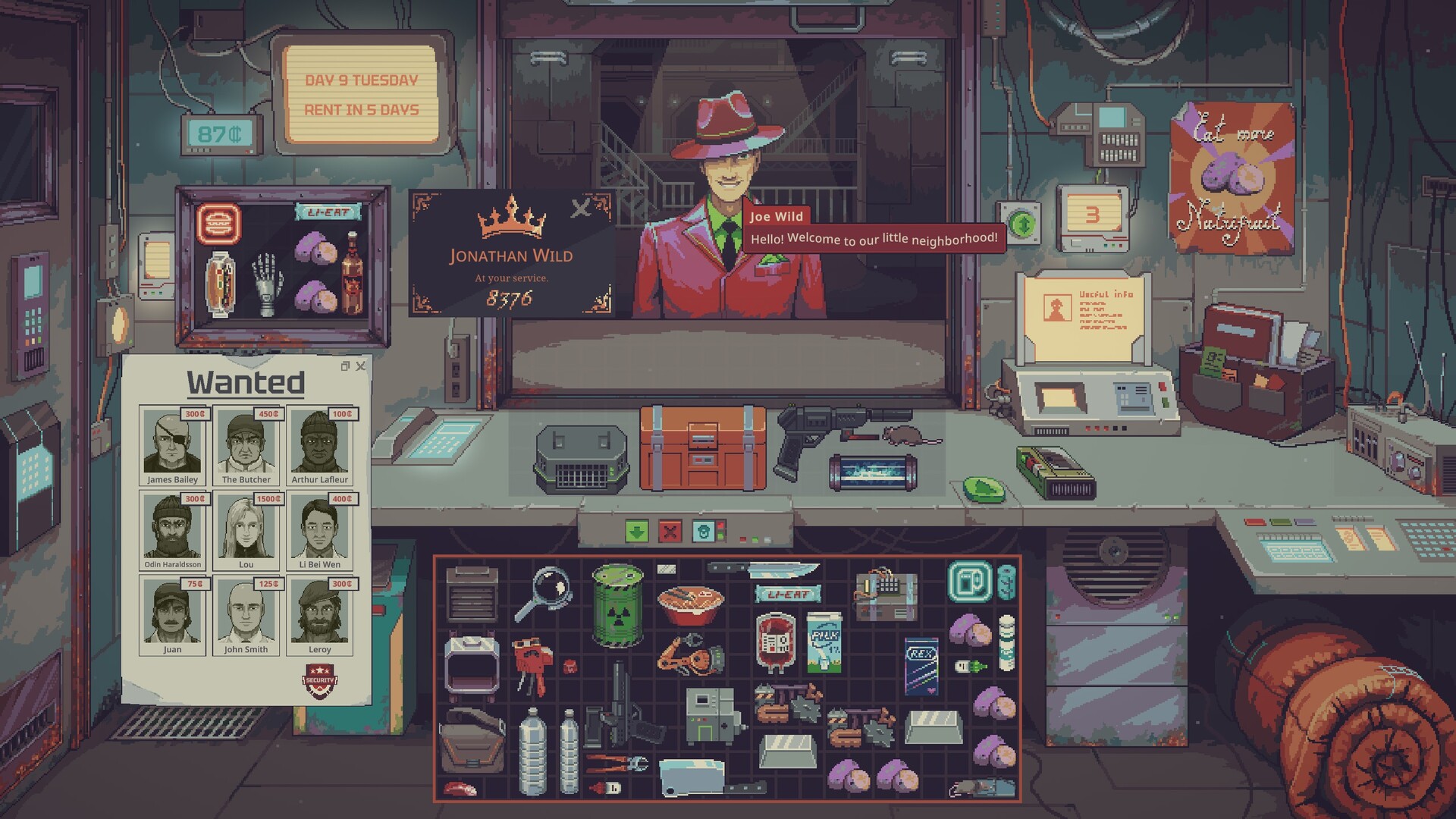
Version, sources and testing limits
September–October Demo evidence; gallery build unknown; announced 1.0 kept separate. The official patch, community reports and our editorial checklists are identified separately. No current save or 1.0 build was tested. See the dated sources at the end; older UI operations and rates may change.
In this guide
1. Are you trying to buy supplies or sell stock?
The September community display guide distinguishes merchandise that attracts additional buyers from signs that bring sellers into the customer mix. A water seller is useful when you need water to buy; that is not the same problem as needing someone to buy your own bottles. TPose independently describes putting relevant merchandise in the display for suitable customers, but its broader economy claims are not needed for this procedure. Dated community display guide Secondary comparison
Try this: choose one type of owned stock you actually want to sell. Inspect the display contents and the purpose of any signs. For a short comparison, avoid changing display, production and signs simultaneously. Record what the next visitors ask to buy or offer to sell. This is an editorial diagnostic test, not a guaranteed spawn trigger.
If the wrong side of the market appears: a supplier appearing after you place a seller sign does not demonstrate failed buyer demand. Recheck the sign’s role before spending more on it.
2. For water, check whether the bottle contains water
Update 049 categorises empty water containers as Household and filled containers as Water. Inspect the actual contents as well as the outer item name. An empty bottle in the case is therefore not equivalent to displaying saleable water. A fill reading tells you quantity; a testing strip or AquaScan tells you quality. Official category change
The patch also makes Premium Spring Water an important exception: its Water tag does not make ordinary non-Upper-Level customers or tourists accept it. If a visitor refuses an apparently matching item, compare the specific request and restriction rather than adding more of the same stock. Official acceptance rule
For doubtful water, test and process the batch before relying on its label. Do not substitute the disputed old mislabelling strategy for a reliable buyer setup.
3. Is the merchandise eligible for the buyer you expect?
The community guide describes eligible merchandise categories and their combined displayed value influencing buyer selection; it explicitly excludes Luxury as a display-buyer category. That does not mean an item with a second Luxury tag has no other buyer. Its item tags, display eligibility and a particular customer’s acceptance are three different checks. The source contradicts itself on exact attractiveness thresholds, so no threshold, slot probability or guaranteed queue is given here. Community mechanism and limits
Observe the result: if a suitable visitor arrives, check what they actually accept and the offer. If they reject your item, record its name, tags, condition, request and any rejection text. That evidence distinguishes attraction failure from item-acceptance failure.
4. Should you liquidate or stop producing?
October players discussing surplus food report some steaks with both Food and Luxury tags, a broadly buying discount merchant, and storage advantages to delaying butchery. These are dated player reports, not a promise about every carcass, visitor schedule or current build. Check your own tooltip and actual offer before relying on a second sales channel. Surplus-stock discussion
| Result you observe | Next decision |
|---|---|
| No appropriate buyer | Review display category and buyer/seller distinction; do not add production yet |
| Buyer rejects the item | Check its specific acceptance, contents and condition |
| Sale clears storage but loses money | Compare the cash you recover with what inputs and processing cost |
| Closing stock grows while cash falls | Slow purchases or production until the mismatch is understood |
Illustration only: spending 100 credits and accepting 80 recovers 80 but loses 20 before any other costs. Those are not game prices. Keep your actual purchases, output and sales in a short stock log; a larger factory cannot create a matching customer by itself.
Release check: a quoted discount is not universal
1.0.0.1 corrects the Merchant always saying 15%: the dialogue now states the discount for your difficulty. Compare the actual offer and acquisition cost, rather than carrying a Demo percentage into every mode. Official discount fix
For goods you want to sell after closing, use the separate vending-machine check. Vending throughput is not established by the display-case attraction rules.
Sources
- Official 1.0.0.1 — Merchant discount display correction · retrieved 2026-10-29
- Official developer description and screenshot gallery — build unidentified · retrieved 2026-10-24
- Official Update 049 — September 14; readable in official news feed · retrieved 2026-10-24
- Community: Display case and You (updated 23 September) · retrieved 2026-10-23
- Community: How to sell food faster? (13-21 October) · retrieved 2026-10-23
- CthuLuck — September 15 Demo gameplay; inspected public player, not our playthrough · retrieved 2026-10-24
- TPose Demo guide — secondary lead only; conflicting dates and fridge claim excluded · retrieved 2026-10-24